
Setting up collaboration systems that actually work across GCC offices in 2026
A team in Dubai is coordinating a project with colleagues in Riyadh and a client in London. 3 cities, 3 different time zones and working rhythms and zero off-the-shelf collaboration tools built to handle the resulting complexities by default. That's the scheduling problem. The communication problem is worse.
WhatsApp is the GCC's default business channel across all levels of seniority. It works brilliantly for relationship-building and quick decisions. It works poorly as a project management system or a knowledge store. When a new team member joins the Riyadh office, the context for every key decision lives in someone else's phone. The institutional knowledge is inaccessible.
Managers across the GCC have less confidence in their ability to evaluate the performance of remote teams. When decisions are made in WhatsApp threads and progress is tracked in personal spreadsheets, the manager in a different city is always the last to know. It is the same pattern that shows up when Gulf businesses outgrow spreadsheets but keep using them anyway.
The tool sprawl problem most ops teams don't name correctly
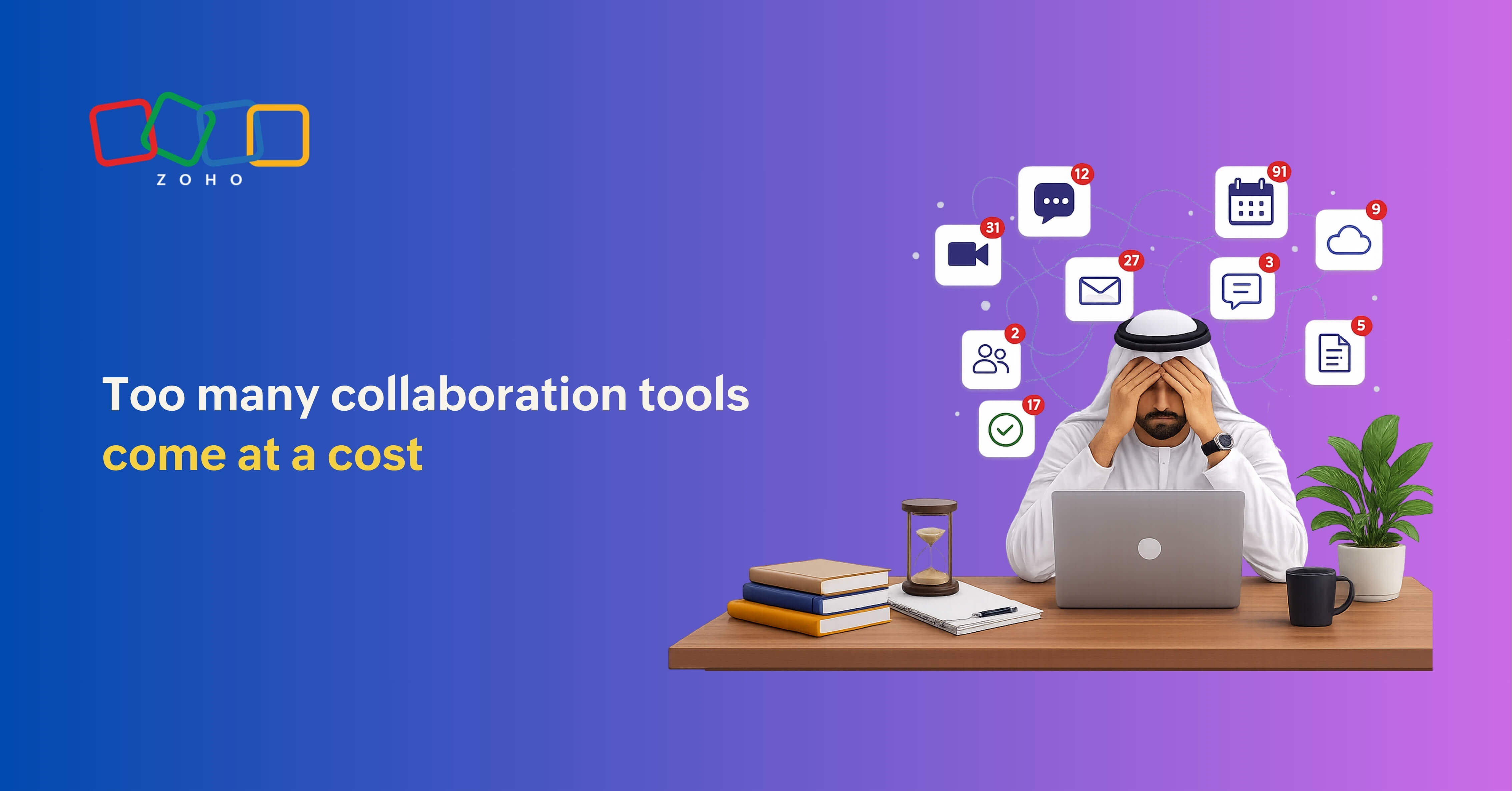
An Enterprise Strategy Group study found that 44% of organisations have deployed 6 to 10 communication and collaboration platforms, while another 37% use 11 to 20. The GCC version of this is specific: organisations tend to acquire tools as they expand offices, not as they plan for expansion. The Abu Dhabi team inherits the Dubai stack. The Riyadh office requests its own procurement. Before long, the ops manager has three video platforms, two project trackers, an intranet nobody updates, and a document library split in two during the KSA data residency conversation.
The cognitive cost is real. Switching between tools is a hassle. It is a driver of burnout, with employees mentally exhausted from the overhead of managing which platform holds which version of what. For a GCC ops or IT leader, tool sprawl also creates compliance exposure. Saudi Arabia's data residency and privacy requirements mean businesses in regulated sectors must know exactly where sensitive customer data is stored. A fragmented tool stack makes it significantly harder to know where your data is, let alone whether it's compliant.
What a functional cross-office system actually looks like
Most distributed GCC teams need five operational layers to work effectively. In practice, many businesses focus only on the first two: real-time communication and day-to-day messaging. The remaining layers task visibility, knowledge management, and cross-office operational visibility are often overlooked.
- Synchronous communication: For decisions, relationships, and real-time problem solving. This is where video calls live, and it's also where WhatsApp is useful.
- Asynchronous communication: For updates, approvals, and information that doesn't require an immediate response. It's a dedicated channel platform with structured threads, searchable history, and proper notification controls. This is where Zoho Cliq fits well within stacks: it keeps conversations contextual without the permanence problem of WhatsApp.
- Project and task visibility: For tracking who is doing what, when, and whether it's moving. This layer needs to be visible to managers in every office, not just the team doing the work.
- Document and knowledge management: For files, policies, SOPs, and institutional memory. In multi-office GCC businesses, Zoho WorkDrive or its equivalent is the layer that prevents the new Riyadh hire from spending their first three weeks requesting files from colleagues in Dubai.
- Cross-office operational visibility: Most GCC ops leaders can name but can't point to in their current stack: a single place where Dubai, Riyadh, and Manama can all see what's happening across the company. Without it, offices stop talking to each other within eighteen months. The Bahrain and KSA teams don't drift apart dramatically; they just stop knowing what the other is working on.
"Zoho follows a long-term approach, and, therefore, our growth will be rooted in closely working with and serving the local communities while staying connected through shared knowledge and culture."
— Hyther Nizam, CEO, Zoho Middle East and Africa
What Hyther is describing is culture and community, but there's a practical point buried there: staying connected across offices does not just happen. Someone has to make it happen. And that is an ops problem, not a software problem. You can run Zoho One across five offices and still have a fragmented team if no one in each city owns the system.
The consolidation conversation your IT team needs to have
If your organisation is running more than four distinct collaboration platforms, the productive consolidation question is identifying which communication layer lacks a dedicated tool. Organisations that cut tools without mapping layers first usually end up removing something that was solving a real problem, and the team reverts to WhatsApp groups within a month.
The more productive consolidation starts with an audit: list every tool currently in use, identify which communication layer each serves, and flag any duplication. In most GCC businesses, duplication occurs in video conferencing (Teams, Zoom, Zoho Meeting, and Google Meet running simultaneously) and in file storage (SharePoint, Google Drive, and personal Dropbox accounts). The gap is almost always in structured async communication and knowledge management.
A collaboration system design checklist for GCC ops leaders
1. Map your offices against the GCC calendar: Before choosing any tool, document which public holidays apply to which office. Build that into your comms rhythm.
2. Audit current tools by the communication layer: List every platform in use and assign it to one of the five layers above. Flag anything that doesn't fit or duplicates another tool at the same layer.
3. Decide your WhatsApp policy explicitly: Don't ban it; that creates shadow tools you can't see. Instead, define what it's for (relationship communication and urgent flags) and what it's not for (decisions, approvals, and project tracking).
4. Standardise async before you standardise video: Most GCC teams have over-invested in video conferencing and under-invested in structured async. Fix the async layer first, and meeting volume drops.
5. Create one place for company-wide information: When someone in Abu Dhabi needs to know what the Riyadh team decided last quarter, there has to be somewhere to look. Zoho Connect or an equivalent intranet needs to be actively maintained.
6. Get a data map before you sign any new tool contract: Under the Saudi data residency laws, storing customer data for certain industries outside the Kingdom is subject to fines of up to SAR 3 million. Running that check after onboarding is too late, and it helps to know in advance what Gulf data residency and security requirements involve. Zoho's data centres in Saudi Arabia and the UAE handle residency at the platform level, which simplifies this considerably for businesses consolidating their stack.
7. Assign a system owner in each office: Tools without local ownership degrade. Someone in Riyadh needs to own the Riyadh team's setup, not just follow instructions from Dubai.
The Saudi collaboration software market is projected to reach USD 772 million by 2033. That growth will produce more tools, more integrations, and more AI-native features. None of it solves a badly designed system. The GCC businesses that get multi-office collaboration right started with a question most teams skip: What breaks when one office can't see what the other decided? Answer that first. The tool choices follow.
Run your GCC team from one platform.
Zoho One brings messaging, project tracking, document management, and HR into a single system—built for teams spread across Dubai, Riyadh, Doha, and beyond.
Explore Zoho One
FAQs
Why do collaboration tools fail faster in the GCC than in other regions?
The Gulf has structural differences that most tools don't account for out of the box: misaligned holiday calendars across the UAE, Saudi Arabia, Kuwait, and Qatar; a business culture where WhatsApp replaces formal communication channels; and data residency requirements that can fragment tool choices. Teams that don't design for these specifically tend to see their systems degrade within a few months of opening a new office.
What is tool sprawl, and why is it a problem for distributed GCC teams?
Tool sprawl is the accumulation of overlapping platforms that don't share data or serve distinct communication needs. An Enterprise Strategy Group study found that 44% of organisations run 6 to 10 collaboration platforms simultaneously. For GCC teams, the problem compounds because each new office often inherits its own tool preferences, creating parallel systems that make it difficult for managers in one city to track what's happening in another.
Which Zoho products are relevant for cross-office GCC collaboration?
For most GCC businesses, the relevant products are Zoho Cliq (structured async communication), Zoho Projects (task and project visibility), Zoho WorkDrive (document management and knowledge storage), Zoho Connect (company-wide intranet and internal comms), and Zoho People (HR and team management). Zoho One bundles all of these and more than 50 other applications into a single platform with data residency options in both Saudi Arabia and the UAE.
How does Zoho's approach differ from Microsoft Teams or Google Workspace for GCC businesses?
Zoho One is a complete business operating system rather than a collaboration suite built on top of productivity applications. For GCC businesses, the distinction matters: Zoho's pricing is in local currencies, its support is staffed from the MEA region, and its local data residency is available as a standard option rather than an enterprise add-on. It's also independent; Zoho doesn't carry advertising revenue or external investor obligations, which affects how product decisions are made over time.